Shaun the Sheep AR Viewer2.6.5
Publisher Description
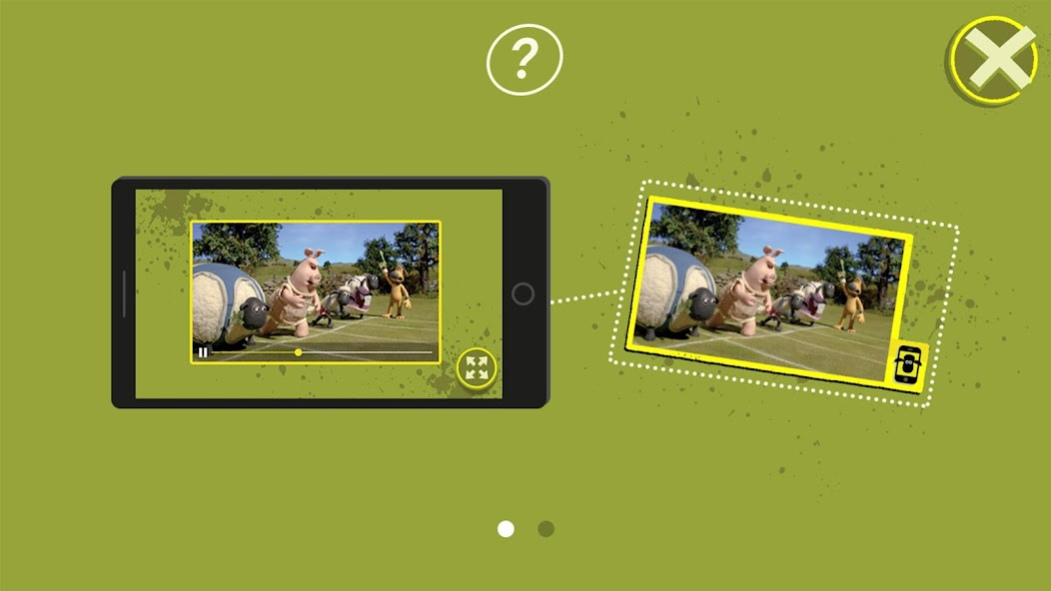
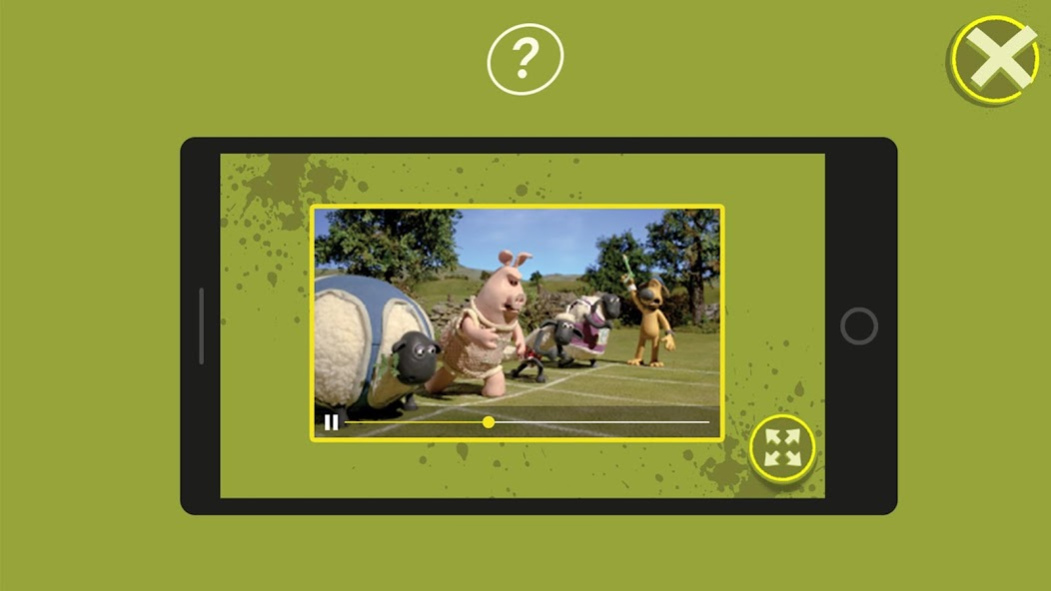
Use the Shaun the Sheep Augmented Reality viewer to bring special Shaun pictures to life! Look out for images with the special border; when you point the app at them a mini Shaun sports movie will play within the picture frame!
The exciting sports day themed markers can be found inside the Shaun the Sheep Championsheeps book and on selected merchandise packaging.
© and TM Aardman Animations 2020. All Rights Reserved. Shaun the Sheep (word mark) and the character ‘Shaun the Sheep’ © and TM Aardman Animations Limited.
Around the world Shaun is also known as Shaun das Schaf, Shaun het Schaap, Shaun le Mouton, Shaun Vita da Pecora, A Ovelha Chone, Fåret Shaun, F for Får and Барашек Шон.
About Shaun the Sheep AR Viewer
The company that develops Shaun the Sheep AR Viewer is Aardman Interactive. The latest version released by its developer is 2.6.5. This app was rated by 2 users of our site and has an average rating of 2.5.
To install Shaun the Sheep AR Viewer on your Android device, just click the green Continue To App button above to start the installation process. The app is listed on our website since 2020-01-06 and was downloaded 123 times. We have already checked if the download link is safe, however for your own protection we recommend that you scan the downloaded app with your antivirus. Your antivirus may detect the Shaun the Sheep AR Viewer as malware as malware if the download link to com.aardman.championsheepsar is broken.
How to install Shaun the Sheep AR Viewer on your Android device:
- Click on the Continue To App button on our website. This will redirect you to Google Play.
- Once the Shaun the Sheep AR Viewer is shown in the Google Play listing of your Android device, you can start its download and installation. Tap on the Install button located below the search bar and to the right of the app icon.
- A pop-up window with the permissions required by Shaun the Sheep AR Viewer will be shown. Click on Accept to continue the process.
- Shaun the Sheep AR Viewer will be downloaded onto your device, displaying a progress. Once the download completes, the installation will start and you'll get a notification after the installation is finished.
Program Details
System requirements
Download information
Pricing
Version History
version 2.6.5
posted on 2020-01-06
version 2.5
posted on 2019-03-04
As well as giving the app a little spruce, we've also updated with a settings menu so you can now opt out of data capture.
version 2.3
posted on 2017-09-01
Bug fixes and performance improvements.
version 1.1
posted on 2016-05-17
New embedded videos.
